Browse & Import Recipes from Most Recipe Websites
Use the built-in browser to search your favorite recipe sites. Found something you like? Tap Import to Cookonut and the recipe goes to a Review screen before you save it — no copy-pasting, no switching apps.
Browse & Save Recipes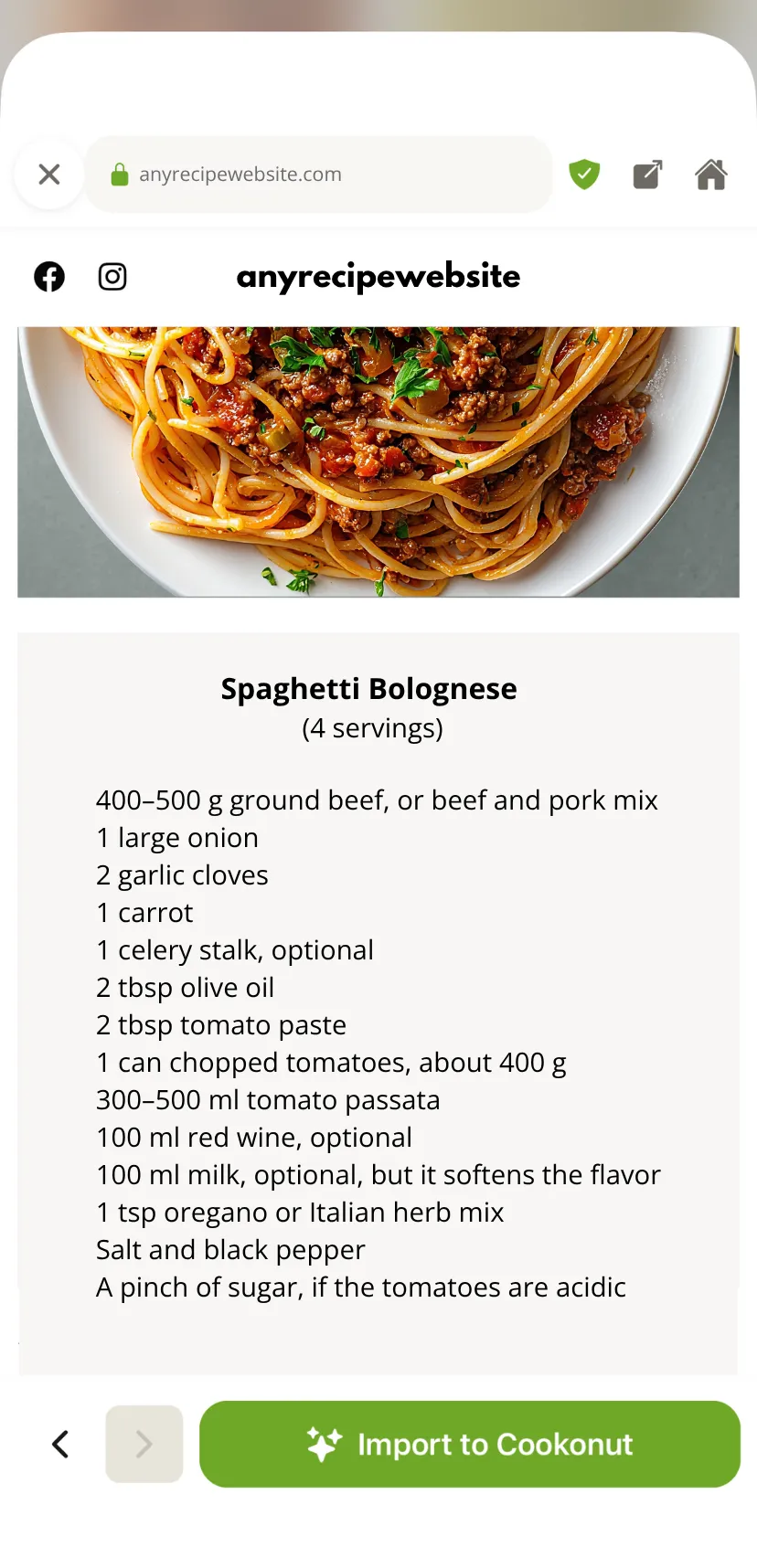
Built-in Browser
Search Google or go directly to your favorite recipe sites without leaving the app.
One-Tap Import
See a recipe you like? Tap Import to Cookonut and it extracts everything automatically.
Skip the Ads
The imported recipe is clean and ad-free — just ingredients, steps, and photos.
Recently Visited Sites
See the recipe sites you have visited before and jump back to them with one tap — no need to remember the address.
How It Works
Open the browser
Tap the + button, open Add recipe, then choose Search the web to open the built-in browser.
Find a recipe
Search or navigate to a recipe page.
Import to Cookonut
Tap Import to Cookonut and review the recipe before saving it.
Related Features
Start Saving Recipes Today
Free. No ads. No credit card required.